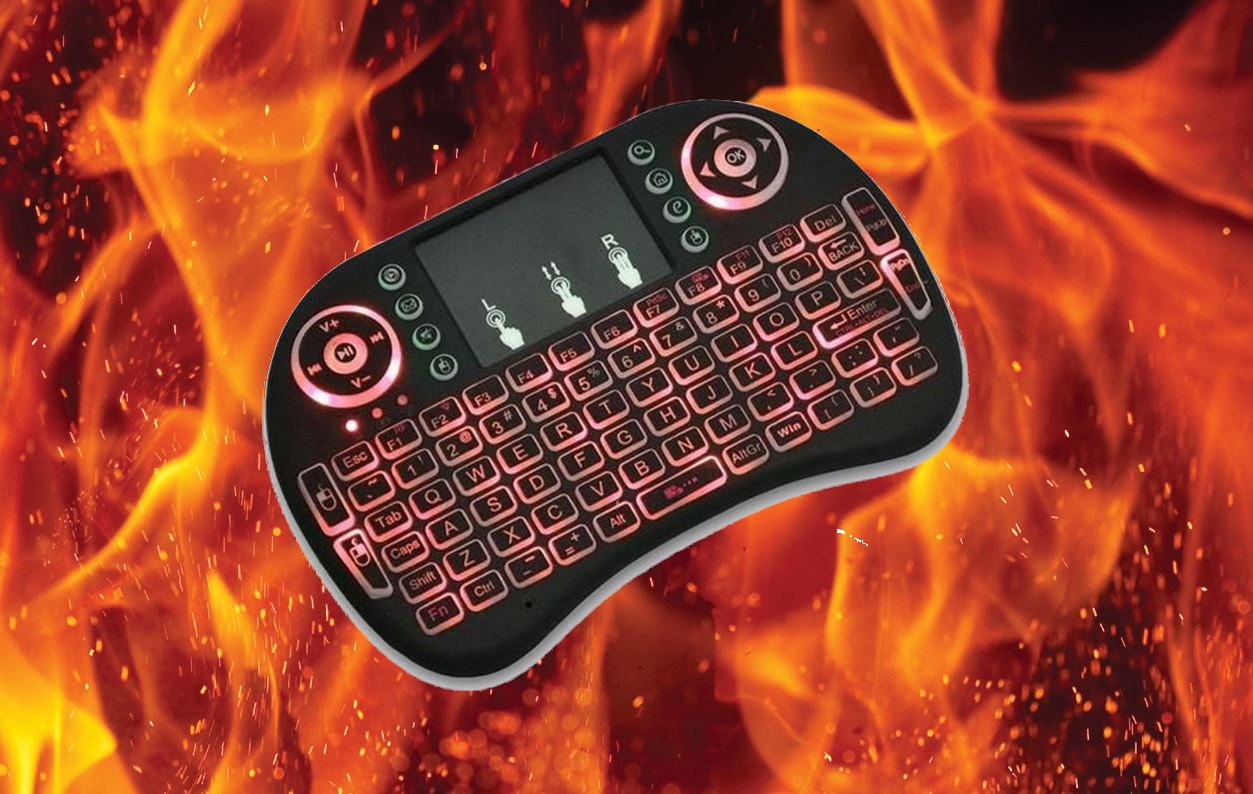
2.4G Touch Pad Mini Keyboard

Compact Control, Faster Navigation
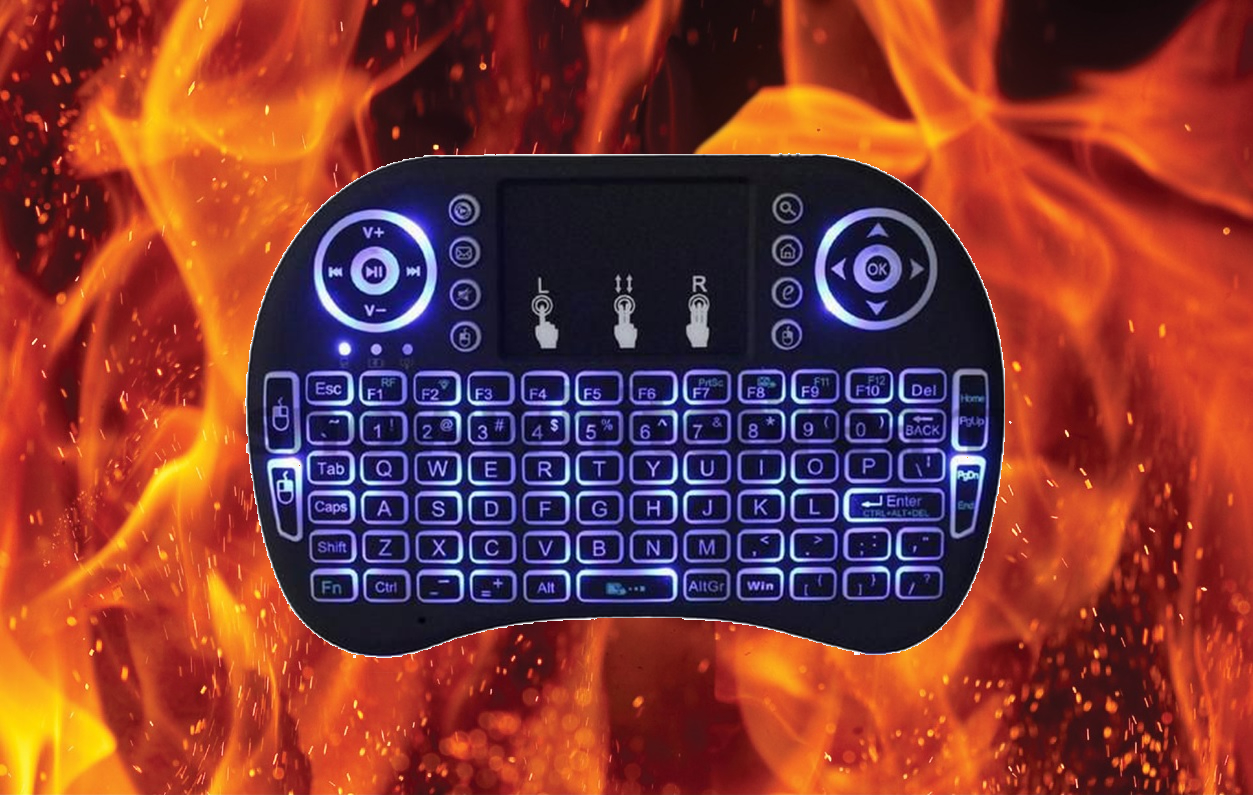
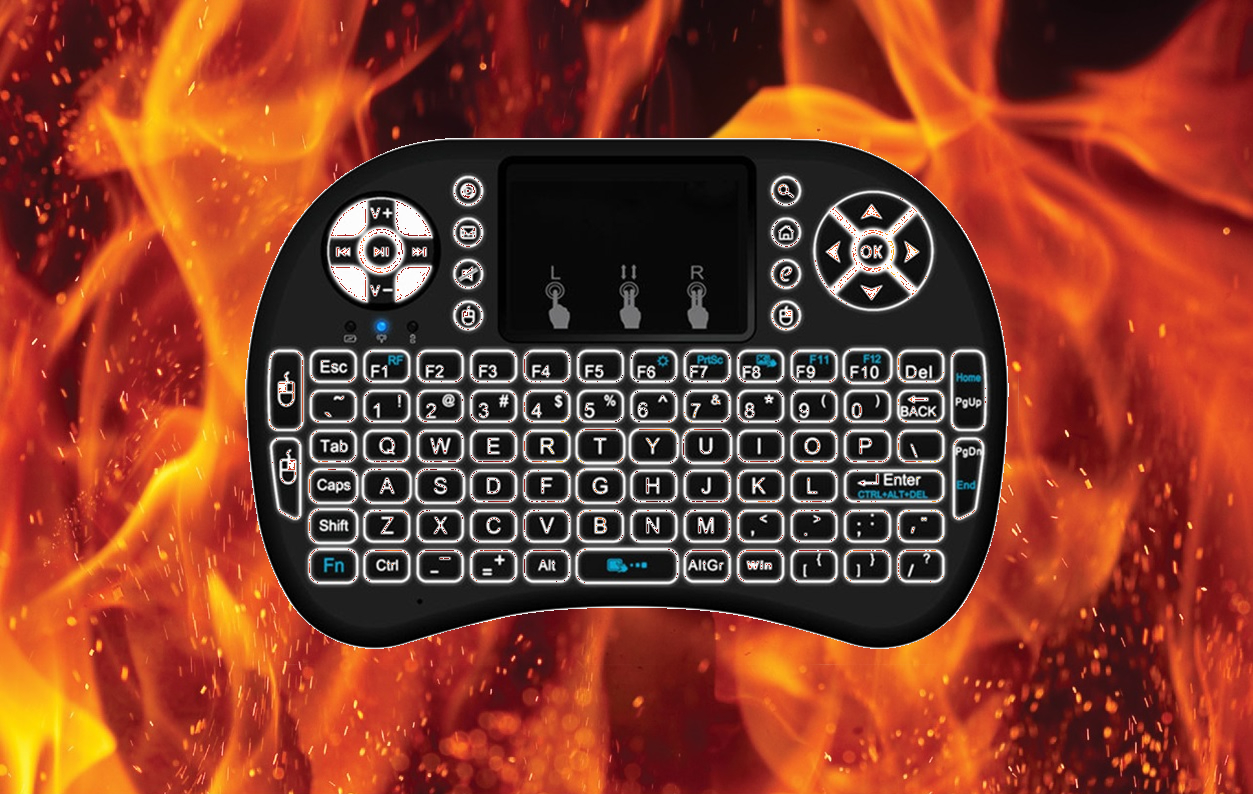
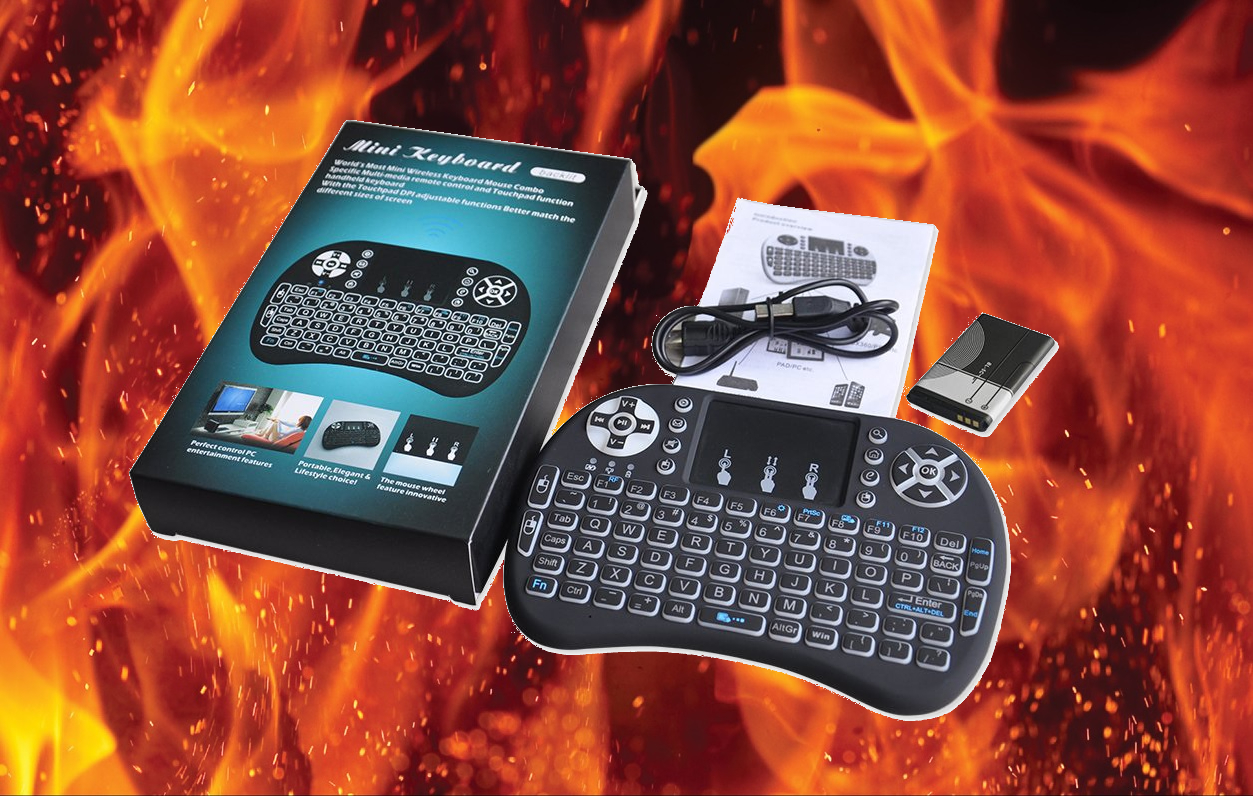
The 2.4G Touch Pad Mini Wireless Keyboard adds faster typing, easier scrolling, and more precise cursor control to your WILDFIRE Smart TV Box setup. Its ultra mini design combines a multi-finger touchpad and full-function QWERTY keyboard in one compact device. With built-in backlighting and simple USB dongle connection, it is designed to make searching FAR LESS Frustrating!

Current price

$40.00

Highlighting Features

Touchpad + QWERTY Control

Combines a multi-finger touchpad with a real full-function mini QWERTY keyboard for typing and navigation.

Backlit for Low Light Use

Includes a backlit feature with Blue, Green, and Red lighting for easier use in the dark.

Compact Wireless Setup

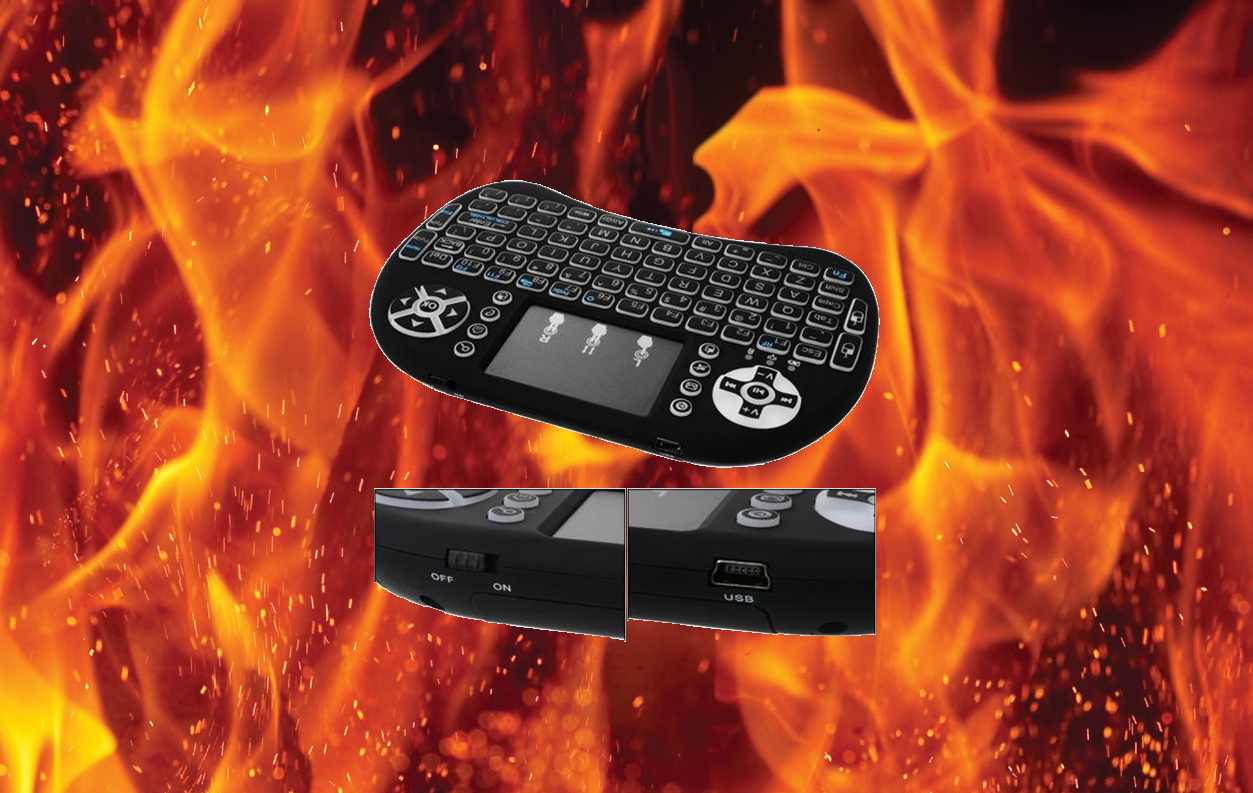
Uses a 2.4G wireless ultra mini design and connects by inserting the dongle into a USB port on your WILDFIRE Smart TV Box.

Technical architecture

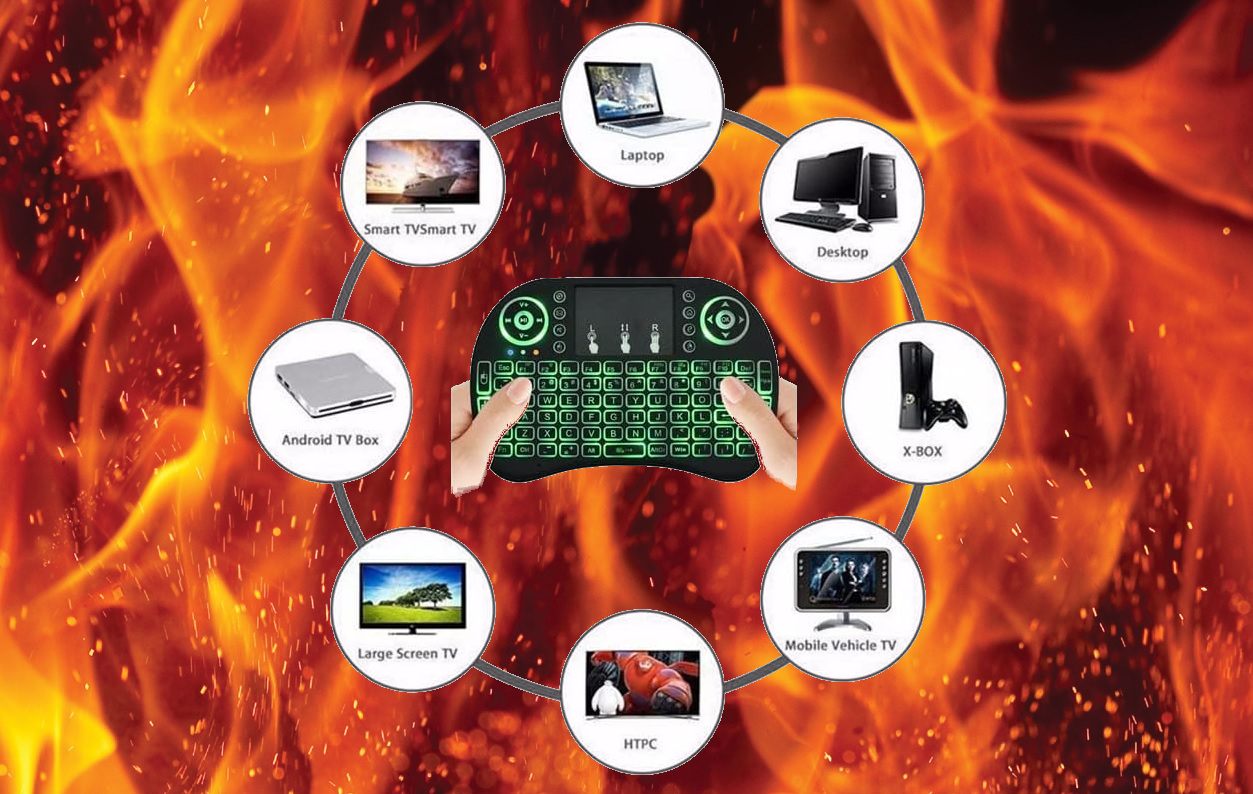
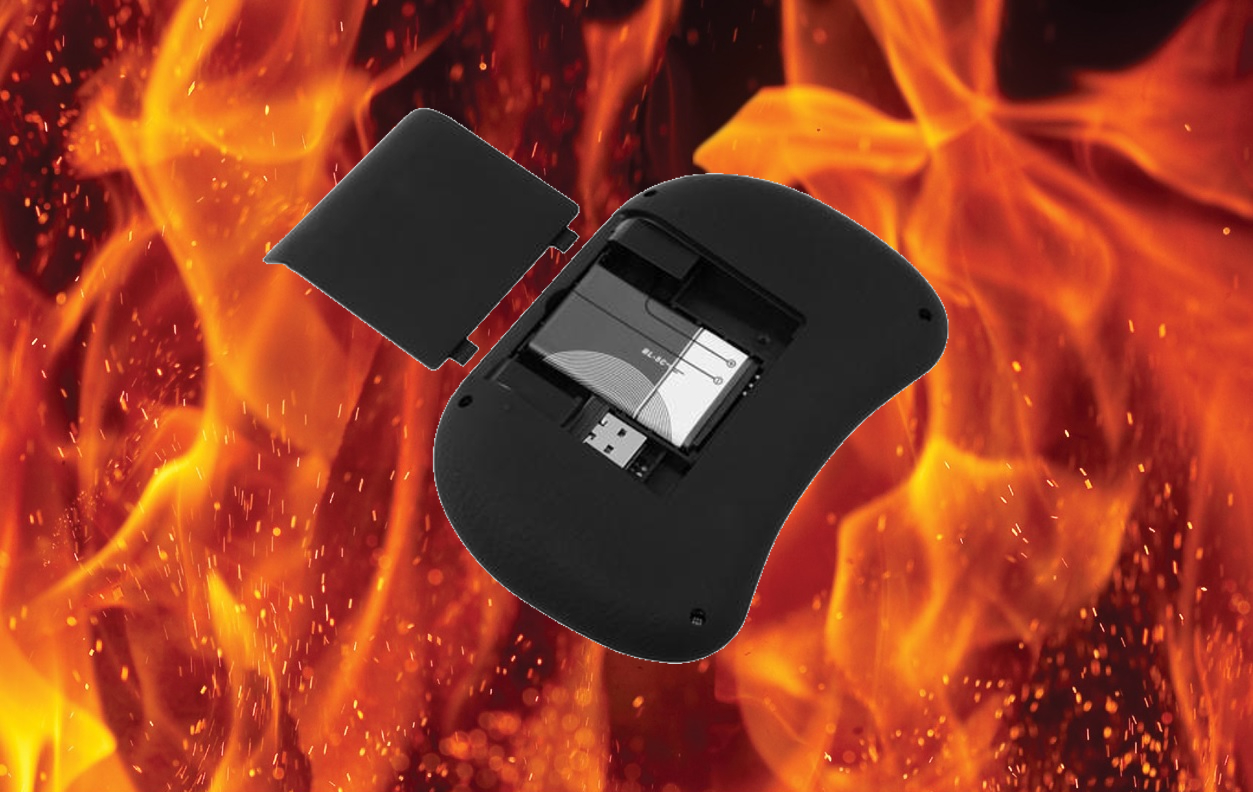
This wireless keyboard is designed as a compact 2.4G control accessory with a multi-finger touchpad, real QWERTY keyboard, mouse wheel function, and a 90-degree flip touchpad with adjustable DPI. It includes a built-in rechargeable Li-ion battery rated at 810mA and supports a range of systems including Windows, Linux, Mac OS X, and Android OS with standard USB interface support.
Component Specification
Product Name Wireless Keyboard for Android
Function Multi-finger Touchpad + QWERTY Keyboard
Operating Distance 10m / 8m
Backlit Colors Blue, Green and Red
Battery Built-in Rechargeable Li-ion Battery (810mA)

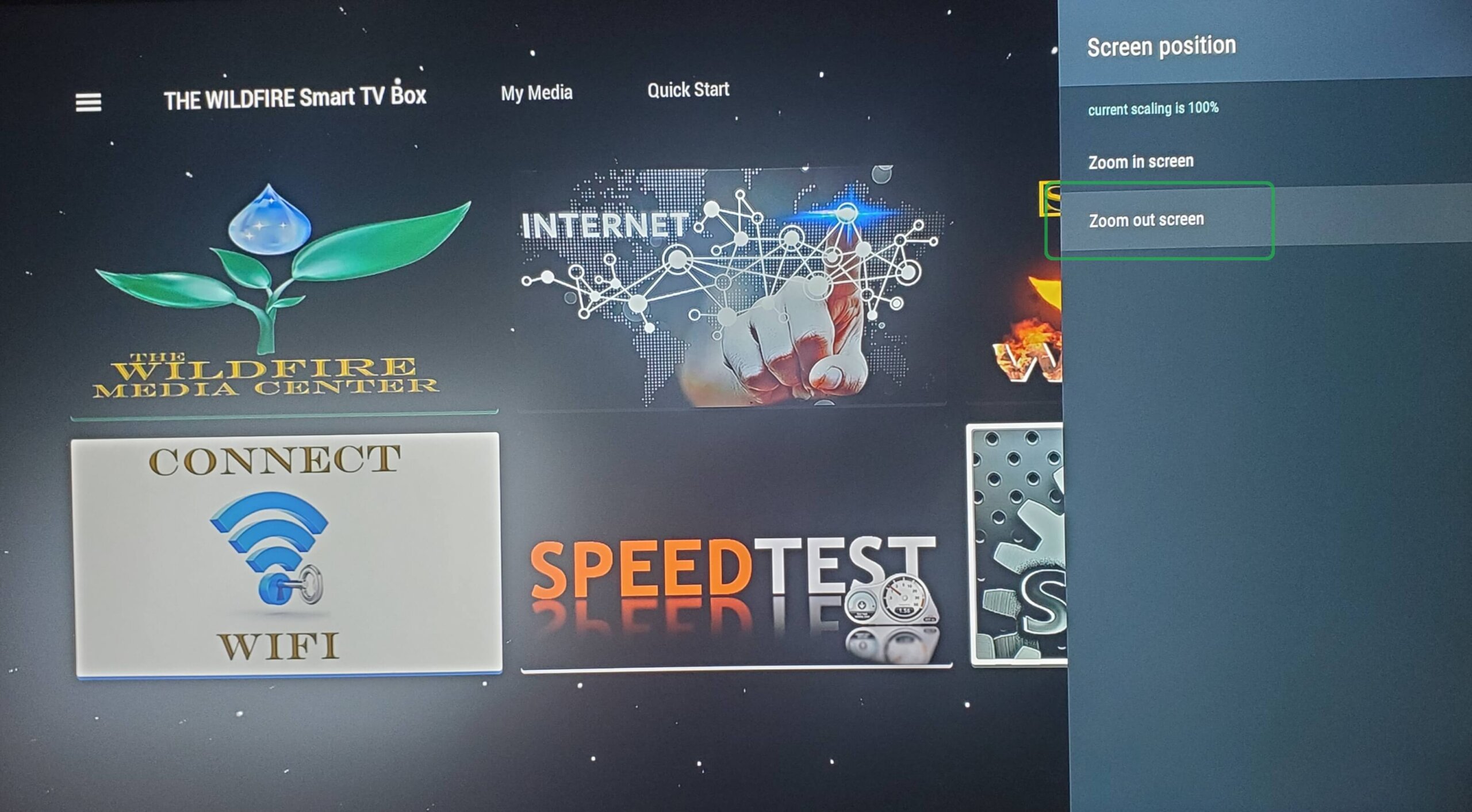
SCREEN POSITION

Now click “Zoom Out” a few times until you see the border appear around your TV screen. Then click “Zoom In” to line up the edge of the border to fit the size of your TV screen and your screen position will be perfectly aligned.

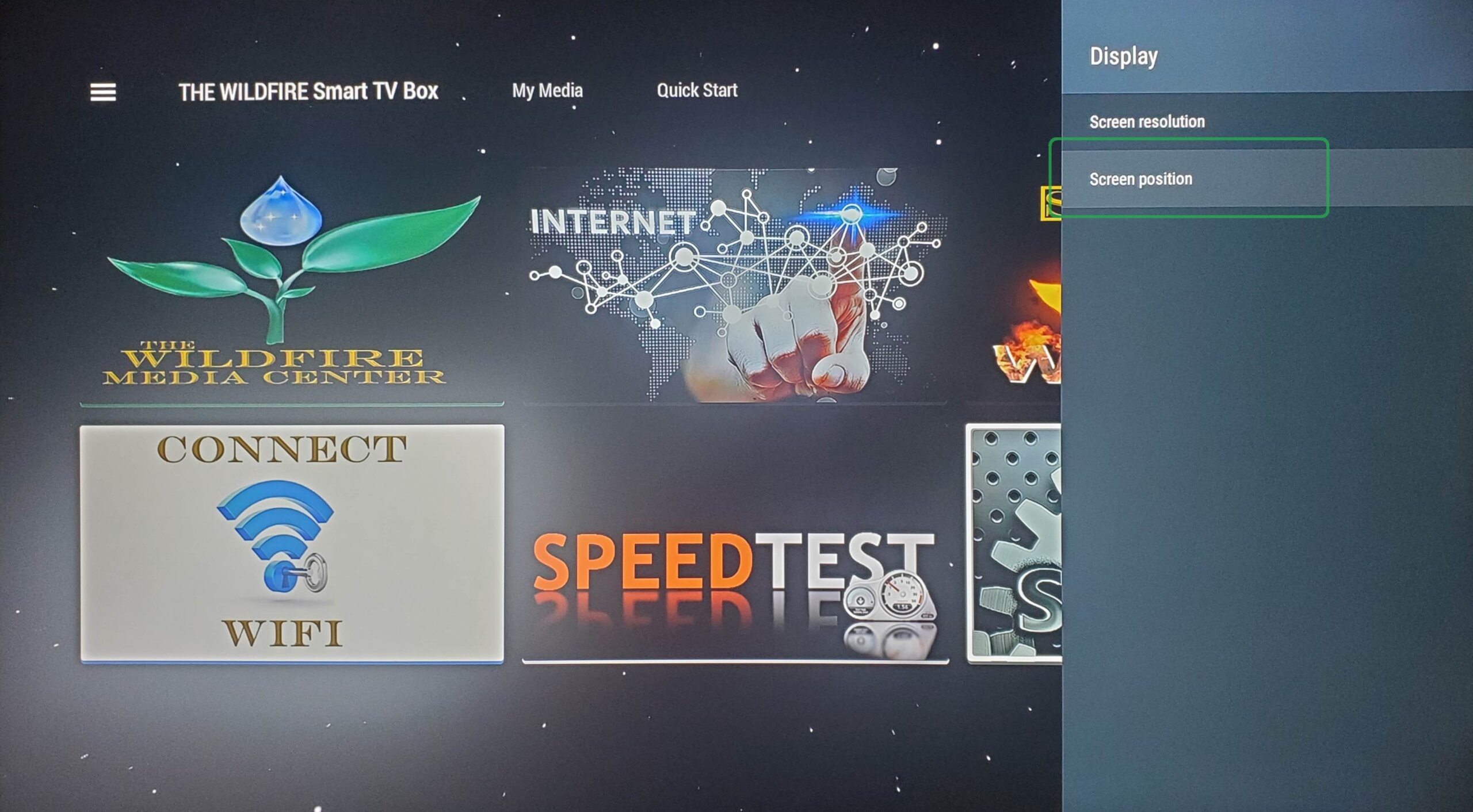
DISPLAY

From Display click on “Position”

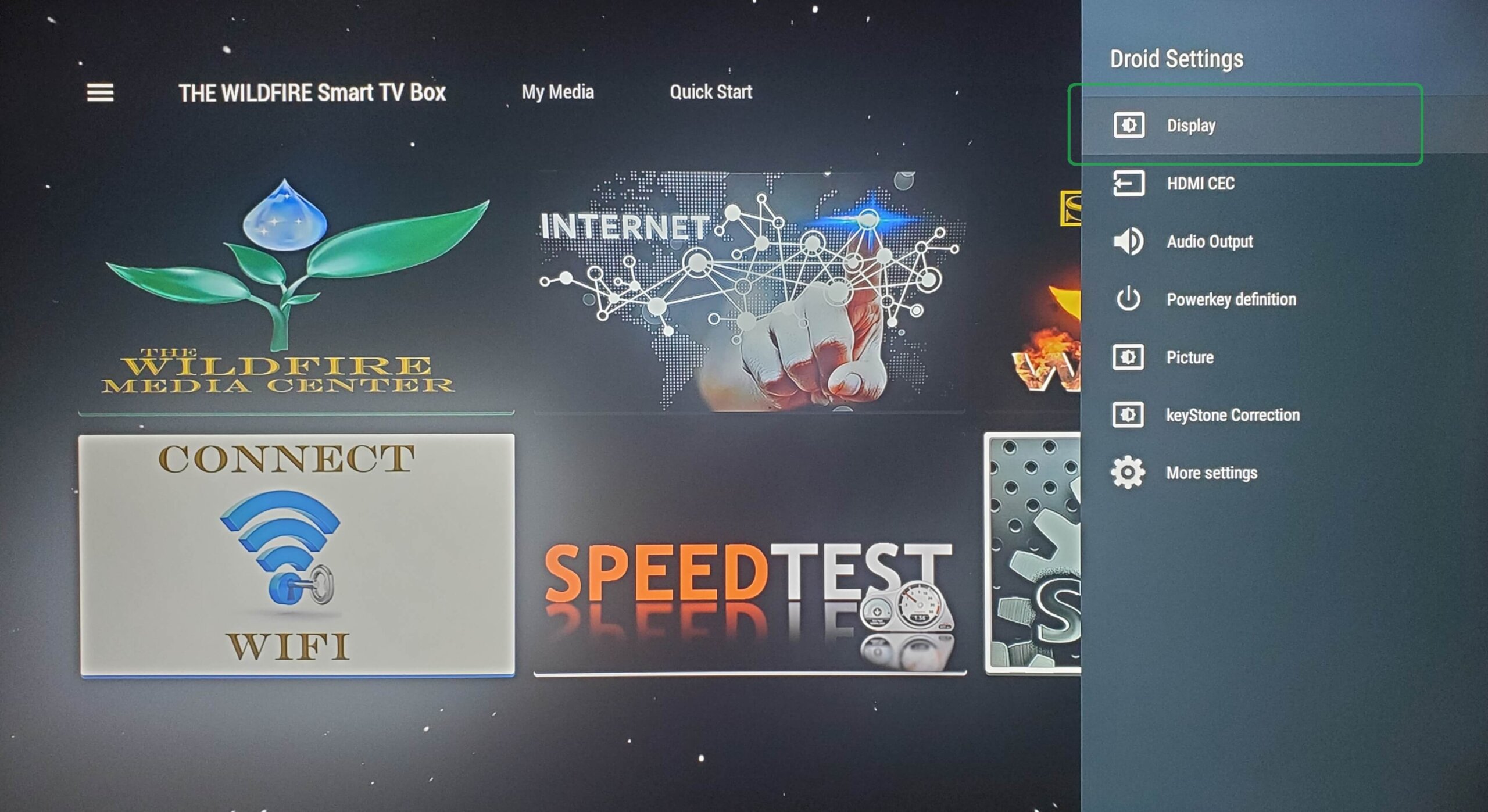
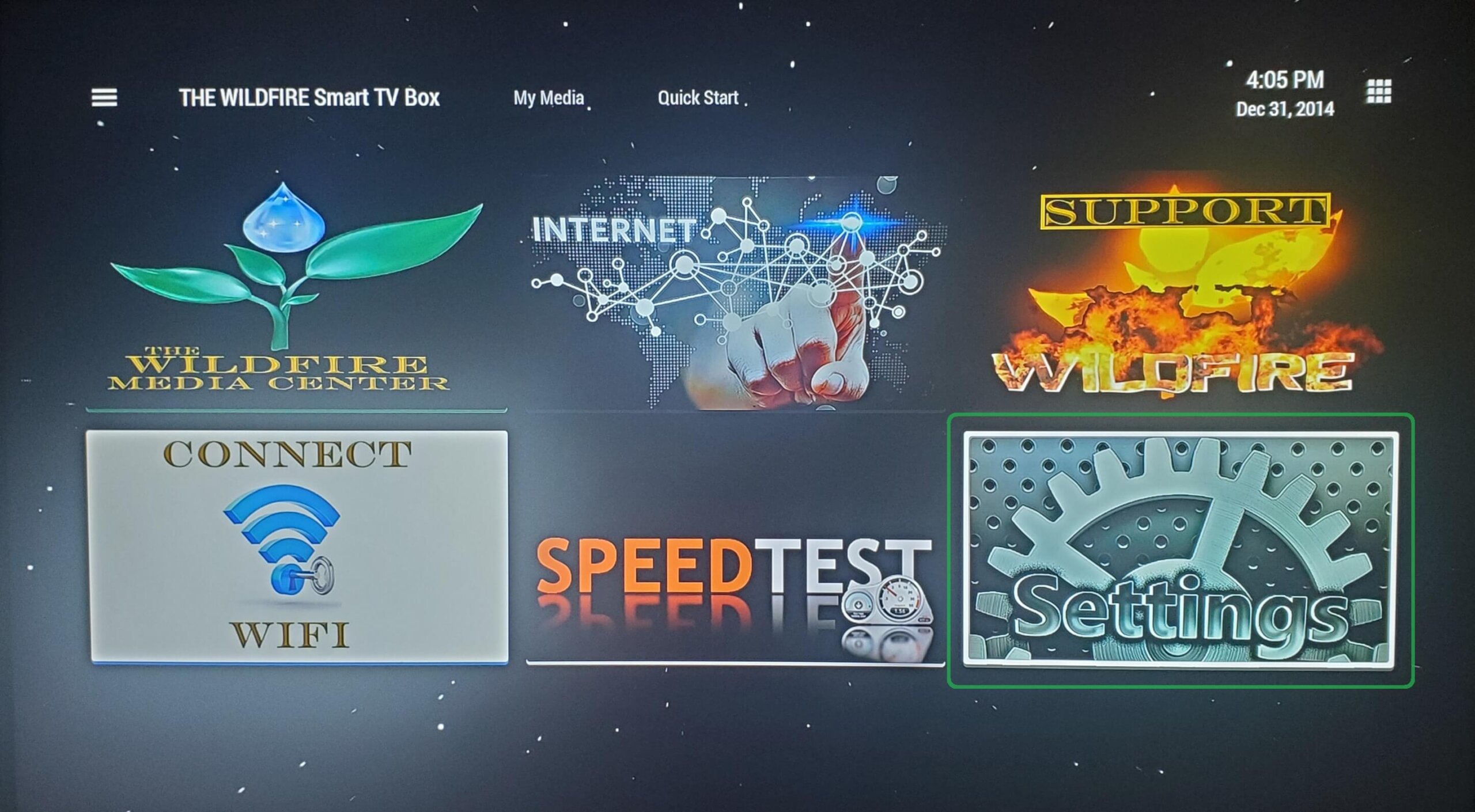
DROID SETTINGS

From Droid Settings click on “Display”.

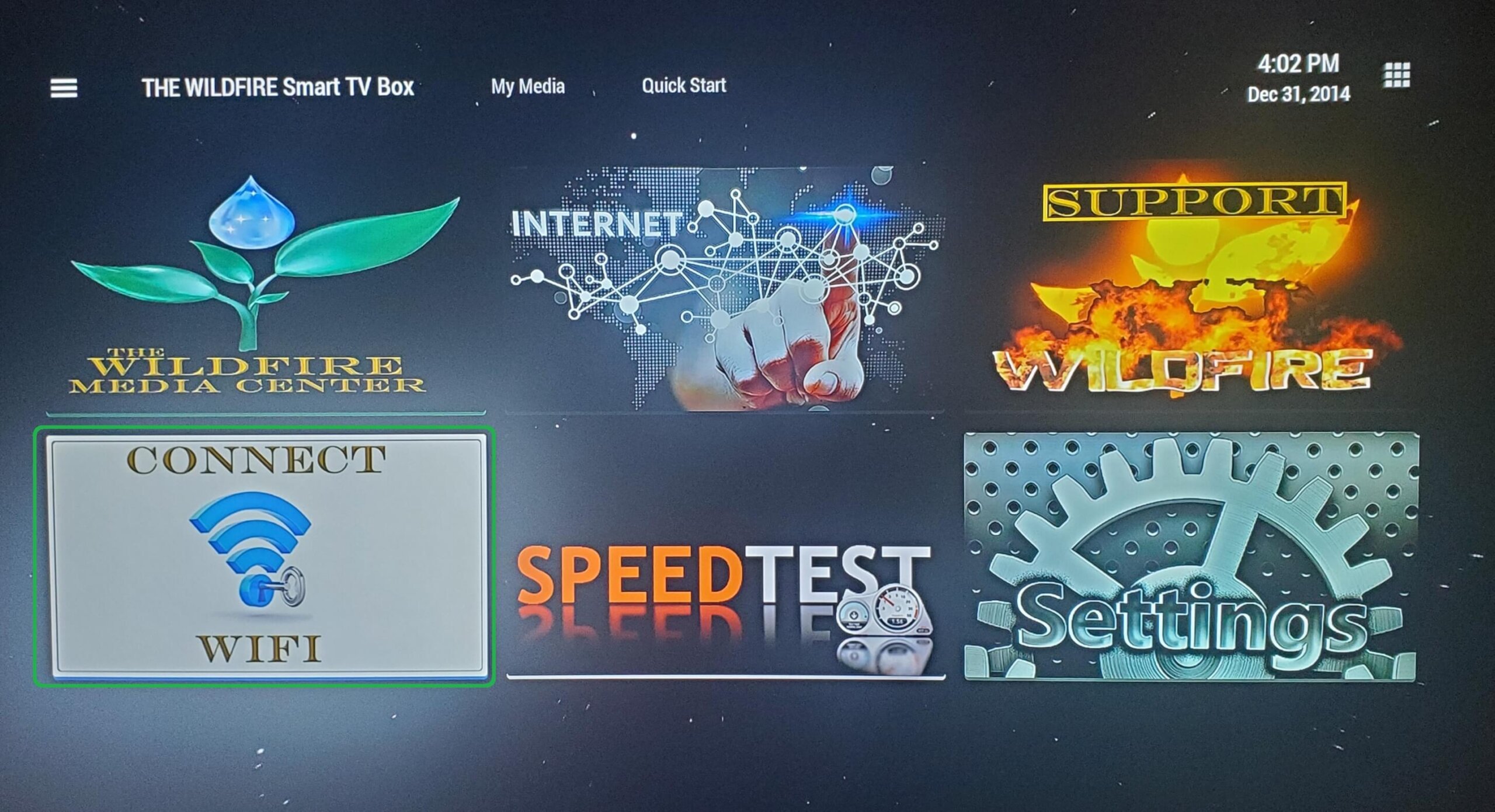
CLICK CONNECT WIFI

From the home screen, open Connect WIFI tile to begin WIFI set up.

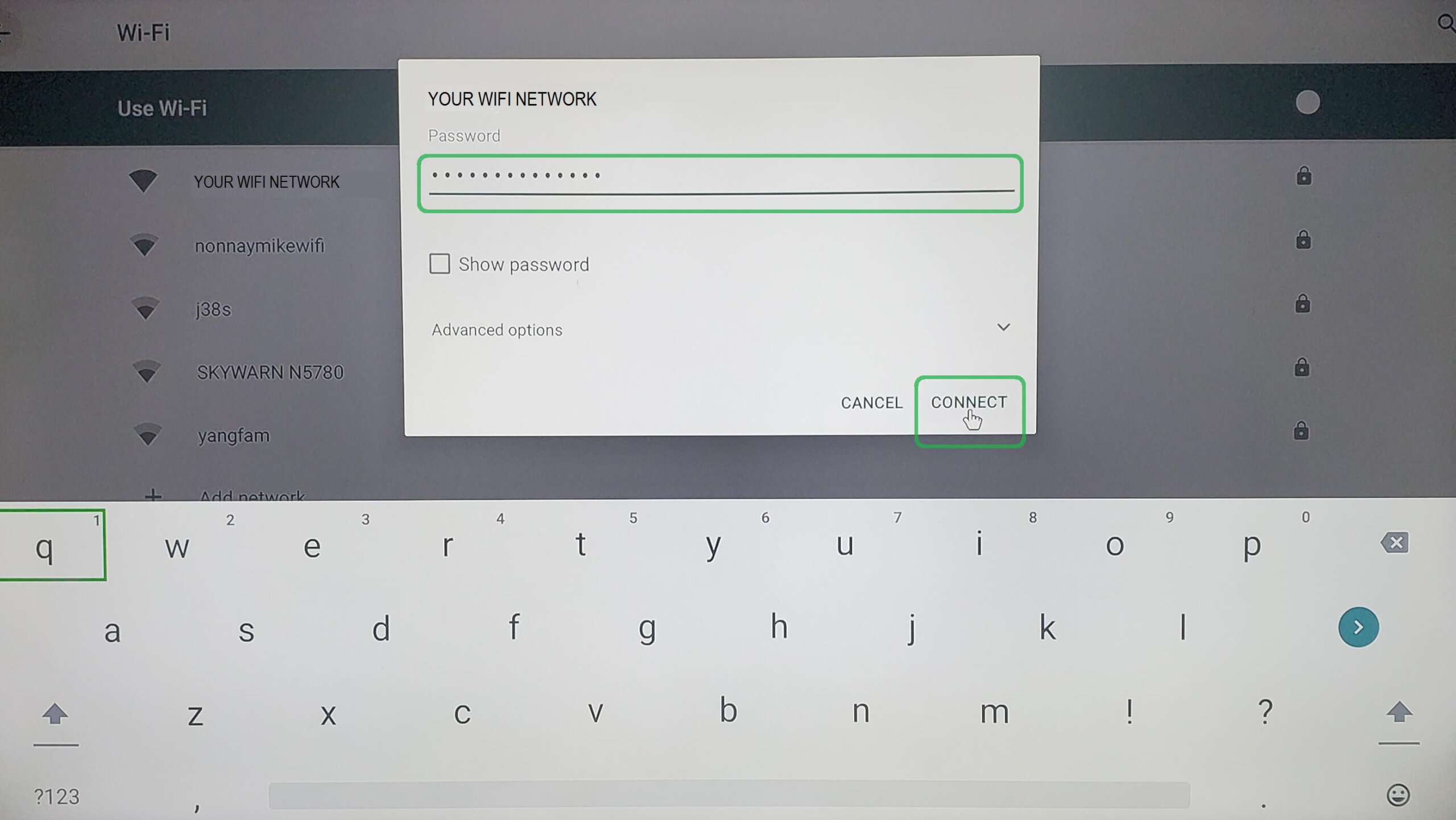
ENTER WIFI PASSWORD

After entering your WIFI password click on “Connect” and once you see “CONNECTED” next to your network you are done.

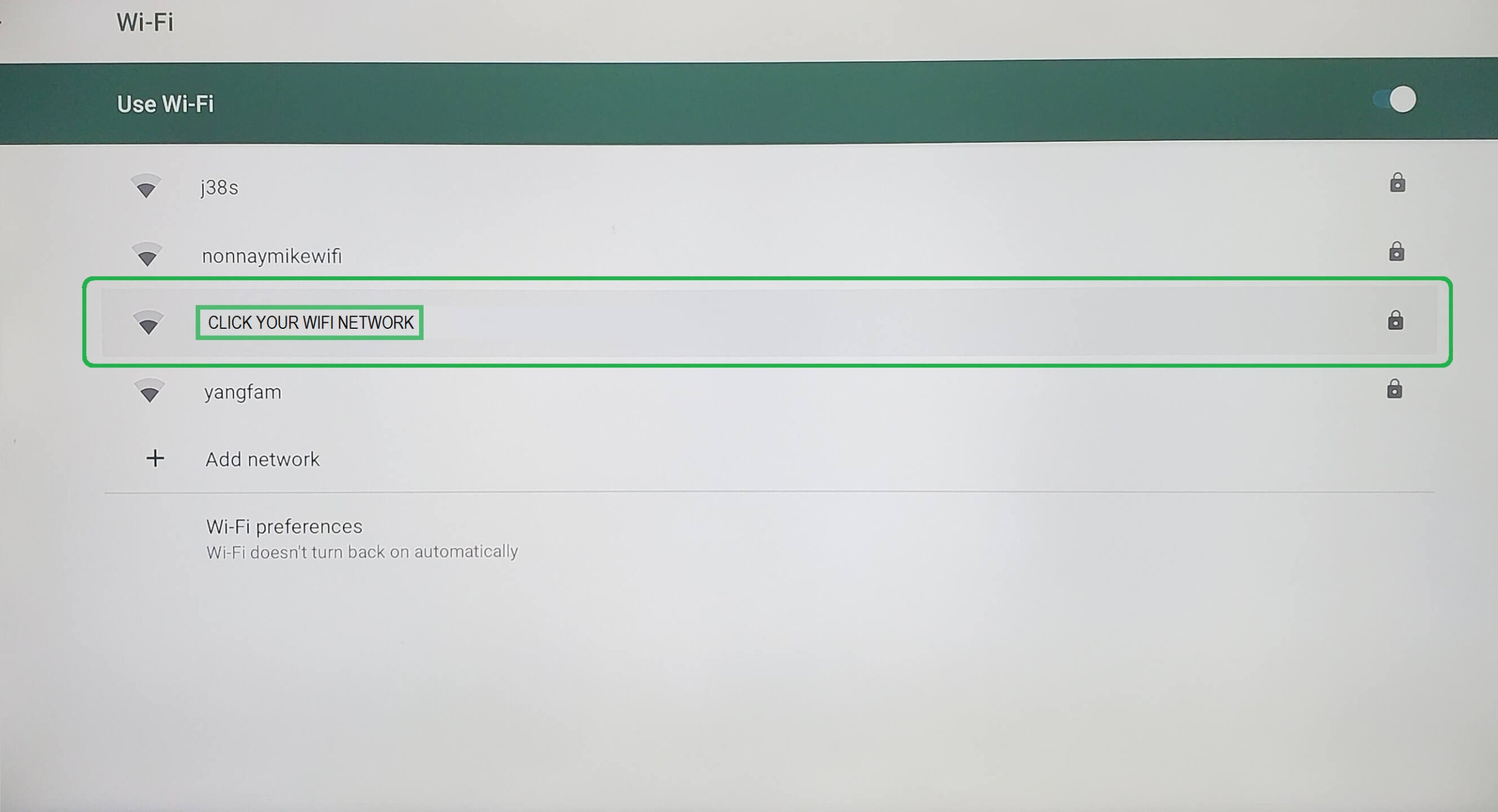
GO TO NETWORK

Select your WIFI Network from the list of available networks.


CLICK CONNECT WIFI

From the home screen, open Connect WIFI tile to begin WIFI set up.